Chrome Extensions to Give You That Extra Daily Boost in Salesforce
Discover the Chrome extensions our Salesforce experts actually use to work faster, cut everyday errors, and boost trust in your data and deployments.
Think of Salesforce as the engine behind your revenue operations, the system quietly powering every forecast, handoff, and customer moment. Every record, field, and automation either keeps that engine running smoothly or adds friction that slows you down, introduces errors, and chips away at operational confidence.
When you’re juggling multiple orgs, deployments, and reporting pipelines, you need tools that cut through the noise and give you real visibility, control, and predictability. Chrome extensions won’t replace strong processes or good architecture, but they do act like precision tools in the hands of an expert, helping you move faster, avoid needless mistakes, and sustain the level of reliability leadership expects.
We asked our own team which extensions actually make a difference in the day-to-day, and here are the ones they rely on to work faster, smarter, and with a lot more confidence.
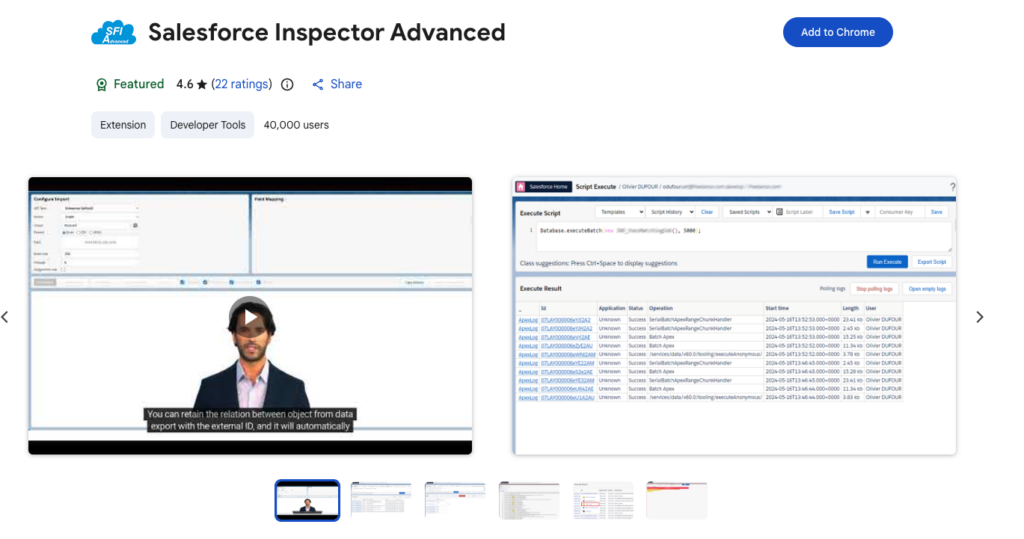
Inspector is our “quick peek under the hood” and a fan-favourite with the team. You can view all fields and metadata for a record directly on the page, meaning you can run SOQL queries, tweak test data, or export data instantly. This helps you validate workflows, confirm hidden fields, and check data before dashboards or reports are shared. Using Inspector improves operational predictability by ensuring that the data leadership relies on is accurate and consistent.
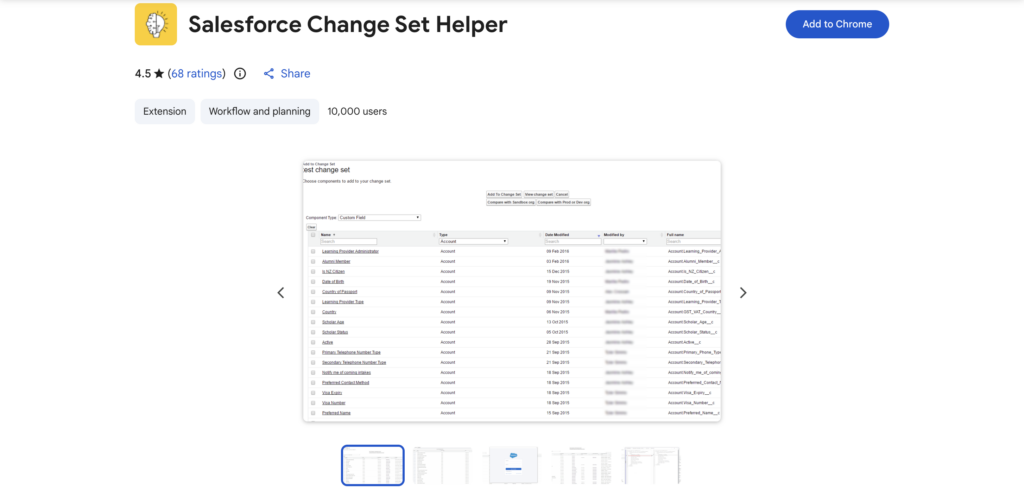
Change Set Helper sorts components by last modified date and improves search within change sets. This makes deployments faster, reduces the risk of missing critical items, and keeps multiple orgs synchronized. By using it, you increase deployment reliability, support operational resilience, and provide leadership with confidence that change processes are predictable and well-managed. Around here, it takes the nerves out of go-live days and replaces them with a simple list you follow through on.
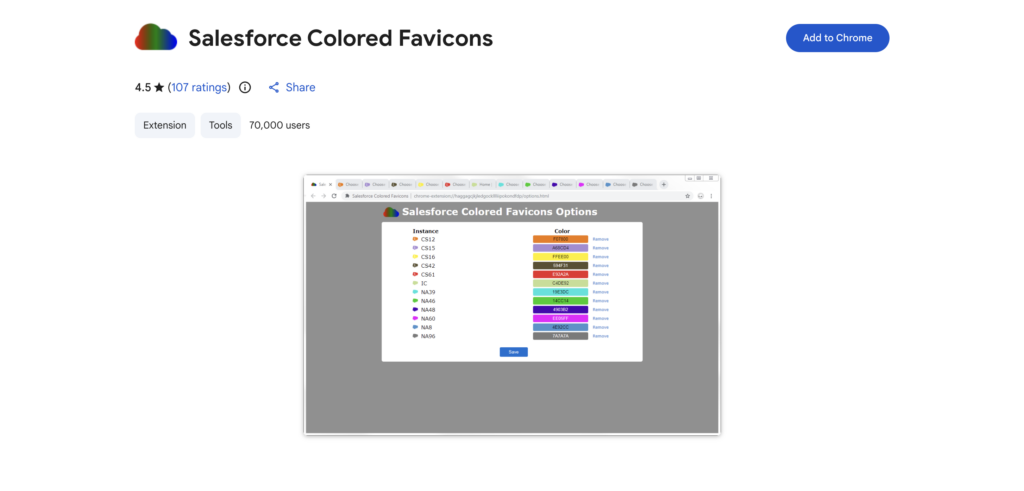
When multiple orgs are open, it is easy to confuse sandbox with production. Coloured Favicons gives each org a visual identity so your eyes instantly know where you are before your brain does, saving you from the “oh-no-I-was-in-prod” click and letting you bounce between clients, sandboxes, and UAT with calm. This reduces accidental edits in live environments and helps you work confidently during testing or automation changes.
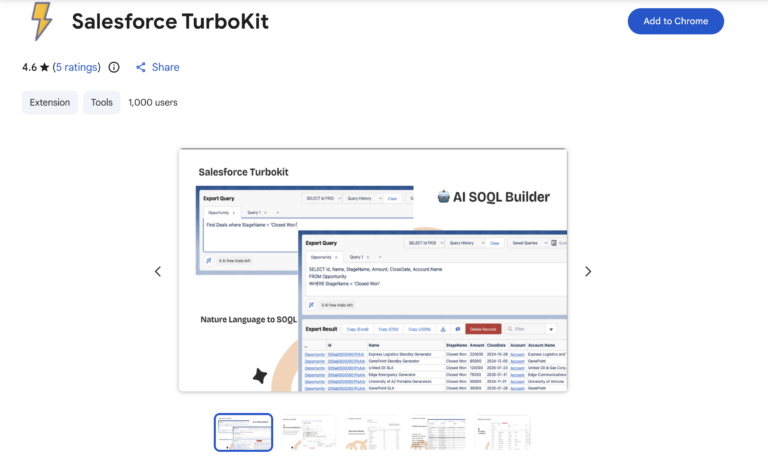
TurboKit streamlines navigation, profile comparisons, and smart data operations without ever booting you out of your tab. You save clicks and shave off the repetitive clutter that usually eats your afternoons, freeing you up for higher value work like optimization or reporting. It’s the kind of quiet efficiency boost that makes your day feel smoother and helps leadership trust that your operations run clean and predictably.
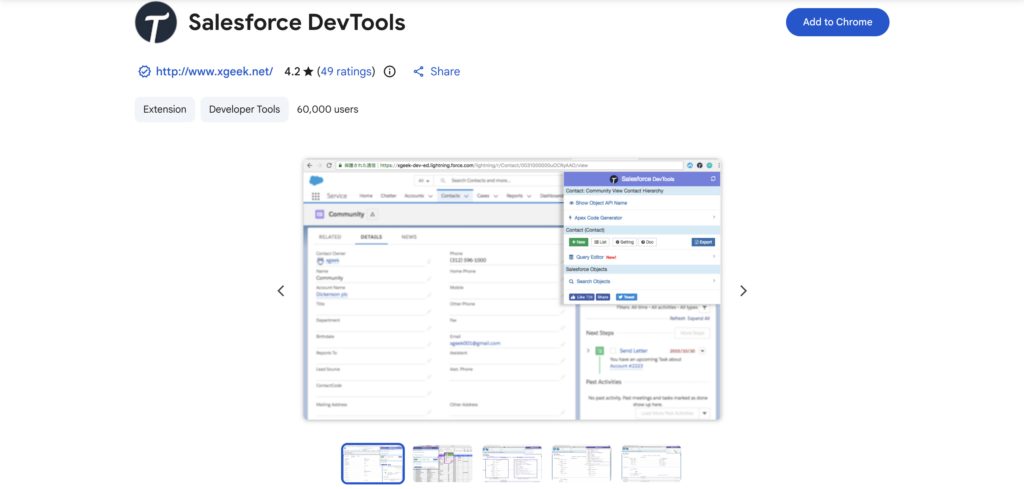
DevTools simplifies field searches, record access, and metadata analysis in a way that feels like someone finally handed you the right flashlight for a dark attic. You can debug flows, validate automations, and test data faster, which cuts friction in complex orgs and keeps your systems resilient as they scale. It’s one of those tools that quietly prevents future headaches long before anyone notices.
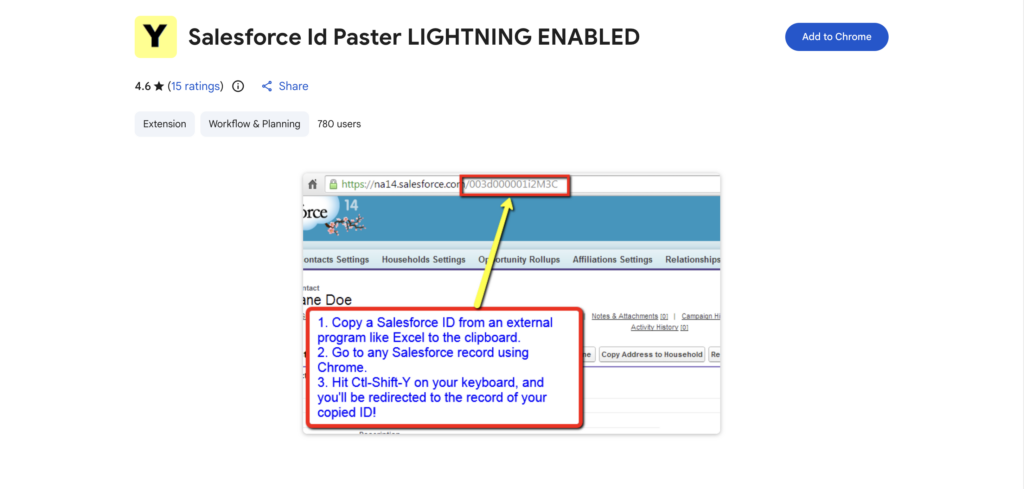
Copying and pasting record IDs sounds minor… until the tenth time you paste the wrong one into a test step. Id Paster takes that small-but-frequent annoyance and makes it smooth, clean, and reliable, saving time and avoiding mistakes that can skew reporting or disrupt automation testing. It keeps your workflow predictable and your links exactly where they should be.
Loom lets you record quick video walkthroughs so your team or clients can see what’s actually happening in your org instead of wrestling with a long email chain. It’s a genuine fan favourite across the Lane Four crew because it lets us explain the what, why, and how in a way that feels human without having to book yet another meeting. It cuts down on confusion, makes collaboration feel lighter, and gives stakeholders the clarity they need to make decisions with confidence. Honestly, a two-minute Loom often replaces five back-and-forth messages and a calendar invite.
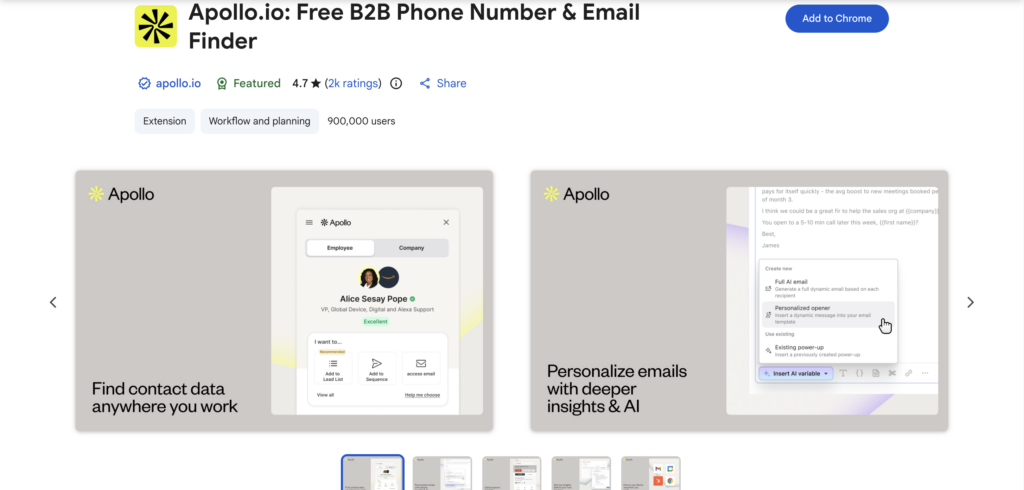
Apollo.io gives you quick access to contact and lead details so you can enrich records and improve accuracy without breaking stride. Cleaner, more complete data makes pipeline reporting far more trustworthy and helps leadership feel confident in the numbers you put forward. When enrichment is part of your workflow, Apollo keeps the whole engine running smoother.
“Source: Chrome Web Store”
No single extension is required for every role. Which tools you choose should reflect how you work in Salesforce and the workflows you manage. The right combination reduces repetitive work, prevents mistakes, and gives you confidence in the accuracy and predictability of your data and processes.
Where in your workflow are small inefficiencies quietly introducing risk or slowing you down? Could a few targeted extensions help you operate faster, smarter, and with greater confidence in the numbers leadership sees? Let’s chat.